

Write JavaScript.
Get a desktop app.
Build powerful desktop applications for Windows, macOS and Linux using the JavaScript you already know.
Build your GUI visually with drag-and-drop, or create it entirely from JavaScript.
No HTML · No CSS · No Browser
Node.JS · Bun · Deno 2+ Windows · macOS · Linux
swing-ui is a graphical user interface for JavaScript that works on Windows, Linux and macOS. All you need is a JavaScript runtime (Node.js, Bun or Deno v2+) and Java 11+ JDK on your system to start creating beautiful interactive desktop applications with pure JavaScript. Not HTML/CSS/Browser involved.
swing-ui takes Jeff Atwood‘s famous remark about JavaScript to the next level:
“Any application that can be written in JavaScript, will eventually be written in JavaScript”
– Jeff Atwood

Why choose swing-ui GUI module?
- Write JavaScript code, get a desktop application.
- No async/await/Promise mess – synchronous calls to UI makes coding intuitive.
- Use visual GUI designer instead of coding UI for fast layout design
- Runs everywhere – Windows, Linux, macOS
- Runs in popular JavaScript Runtimes – Node.js, Bun, Deno 2+
- Enhanced Java Swing UI library with OS & other beautiful UI themes creates all the GUI.
- Supports drag-n-drop, clipboard, undo/redo & much more.
- Fast and responsive user experience.
- Method chaining design lets you write less & do more.
- NO web browser, NO HTML, NO CSS involved. Just clean and simple JavaScript code.
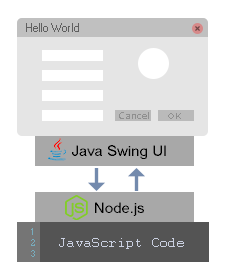

Use our Visual GUI Designer for rapid design
- Rapid layouts design without coding
- Easy and intuitive controls and layout
- Cross-platform – runs on Windows/Linux/macOS
- Easy drag-and-drop design
- Familiar enough to provide a low learning curve
- Intuitive component hierarchy tree
- Convenient features (snapping/undo/redo/copy/paste/drag-n-drop, etc.)
- Layout is stored in JSON formatted UI definition file
- Built with
swing-uiJavaScript GUI module
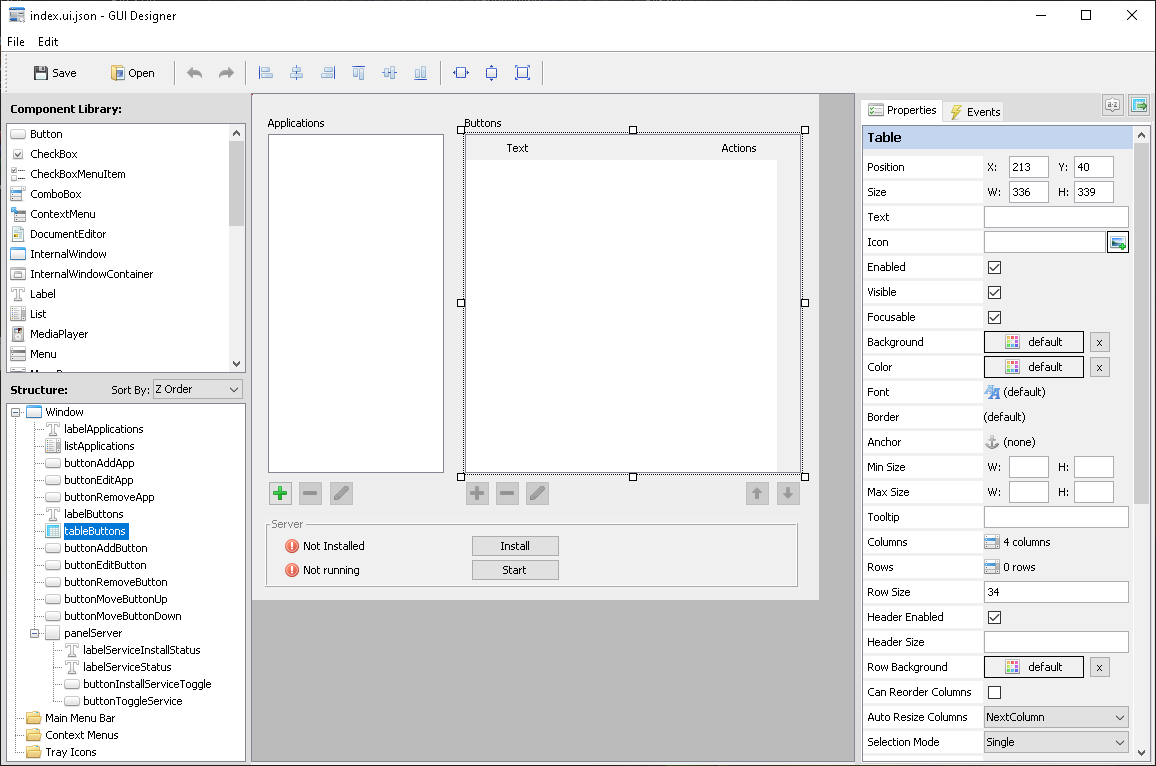

Simple yet powerful design
- Unique design that unites JavaScript with Java, patent-pending
- High performance architecture optimized for each runtime and operating system
- Write simple JavaScript code to build desktop GUI apps
- Powered by Java, but feels like native application
- No need to learn Java to build cross-platform desktop GUI applications
- Multiple UI themes included: system UI, beautiful light and dark FlatLaf themes and other classic Java themes.
- Simply install the
swing-uimodule from npm and import it in your project
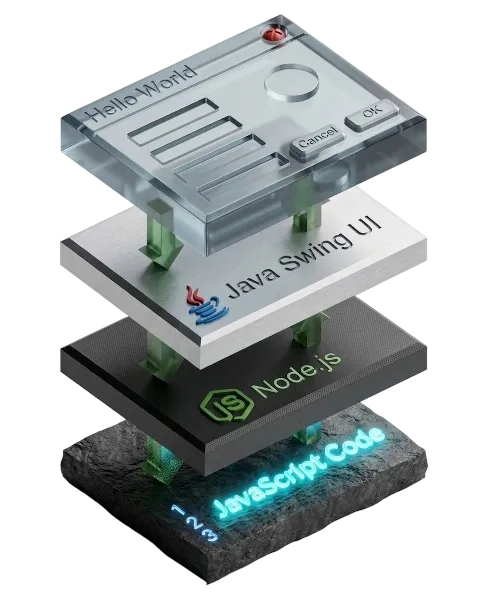
Demo Apps
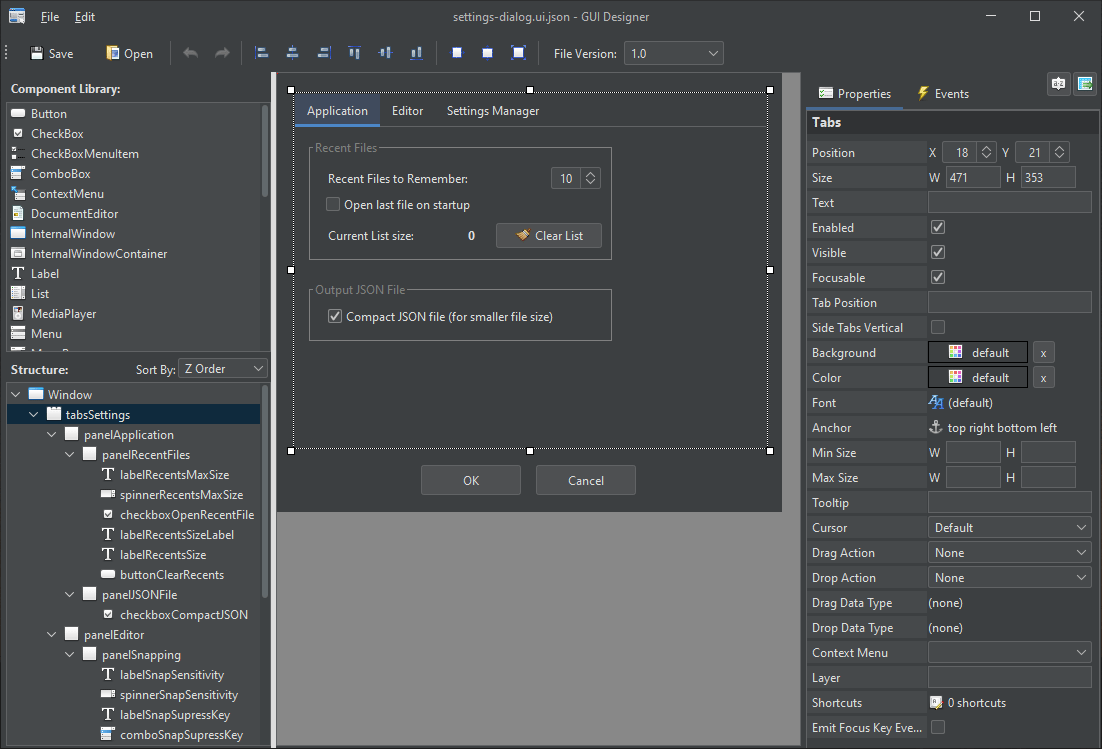
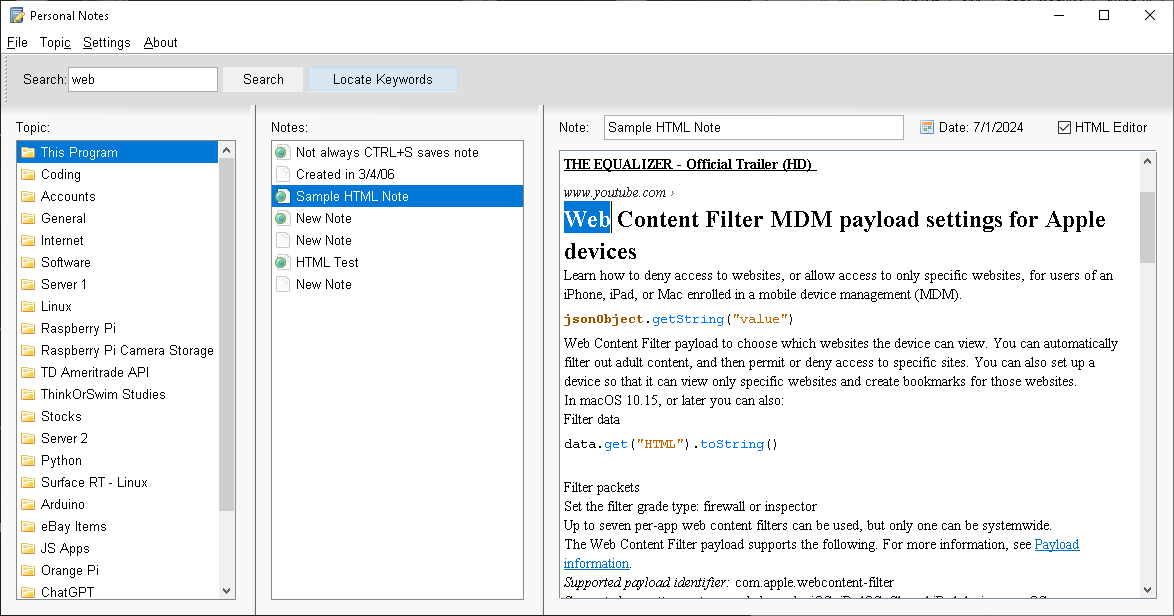
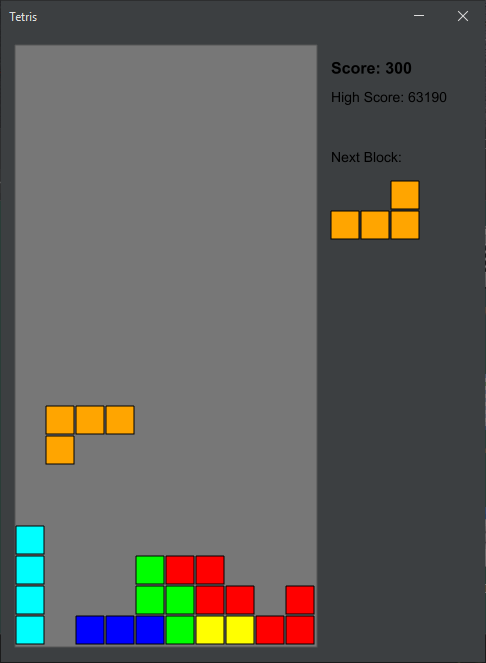
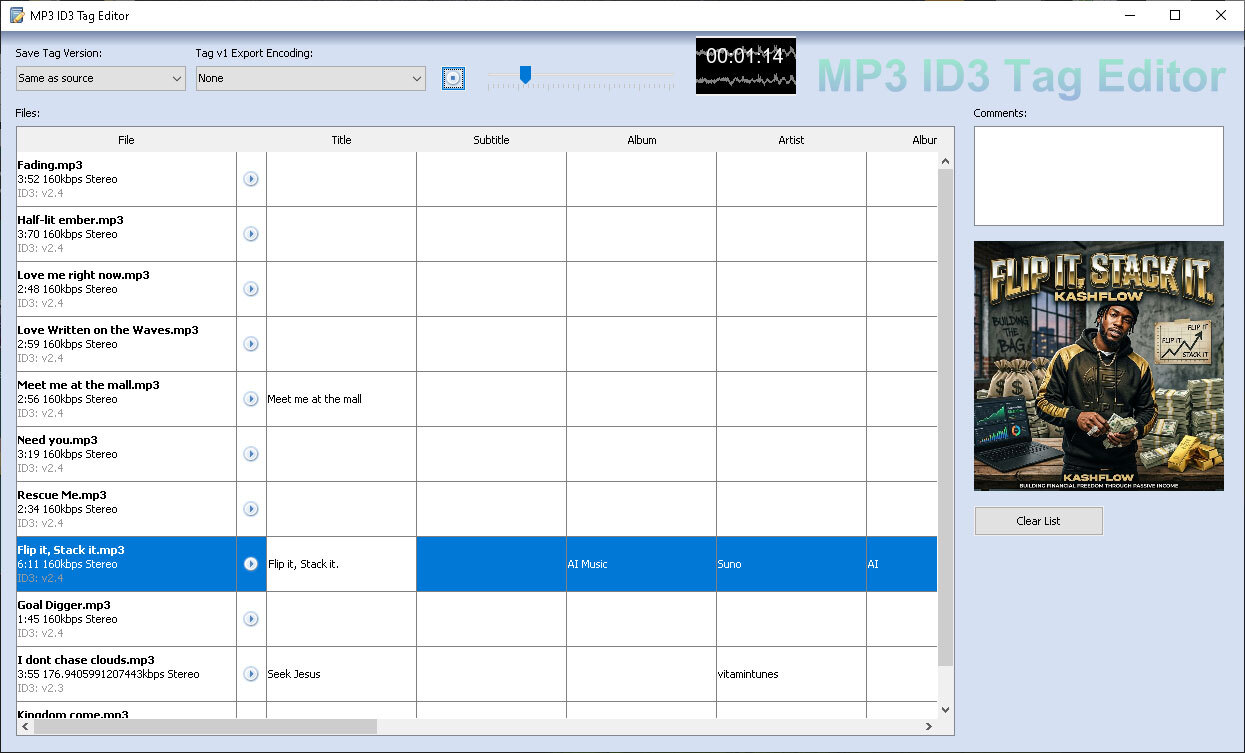
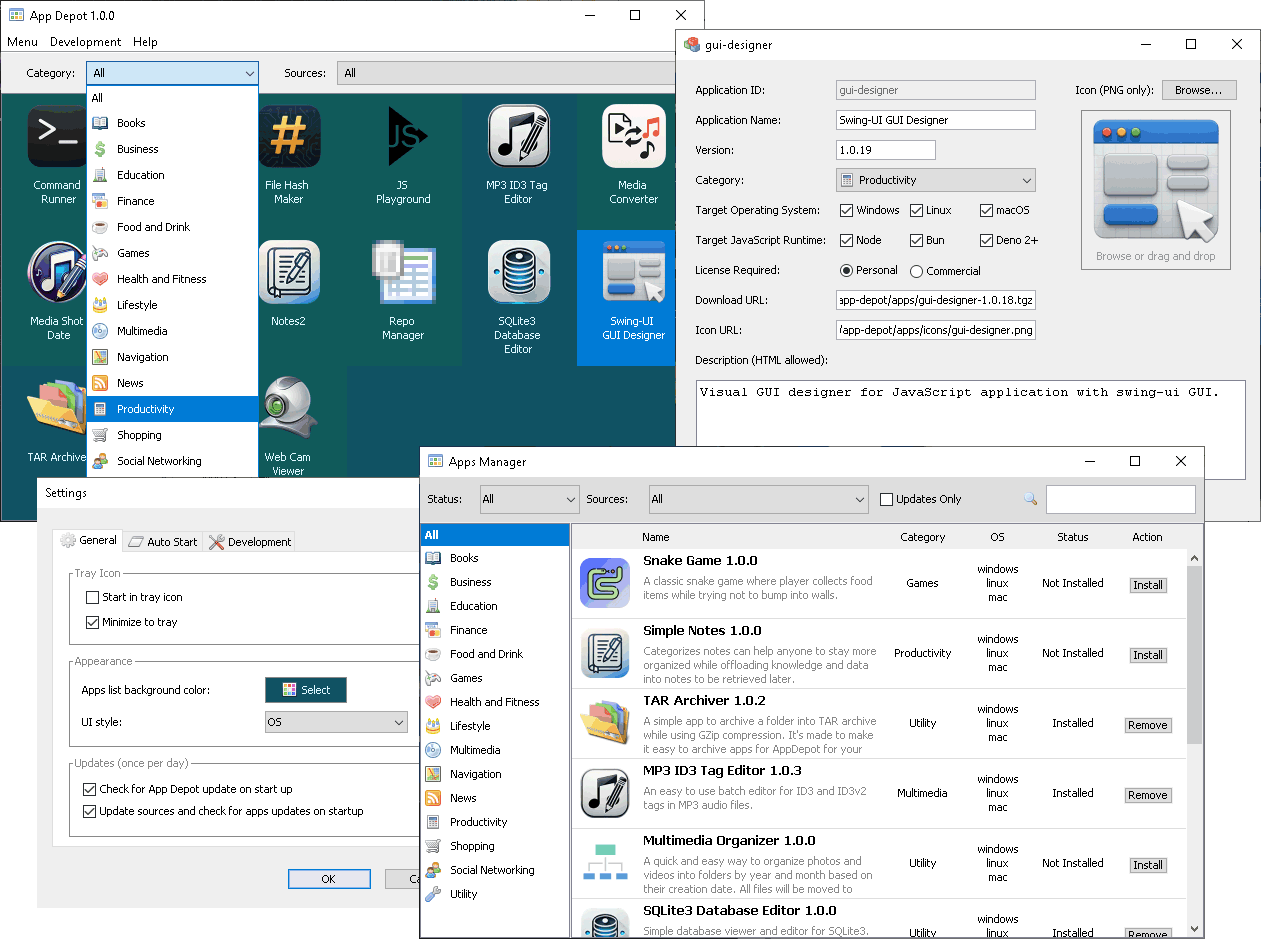
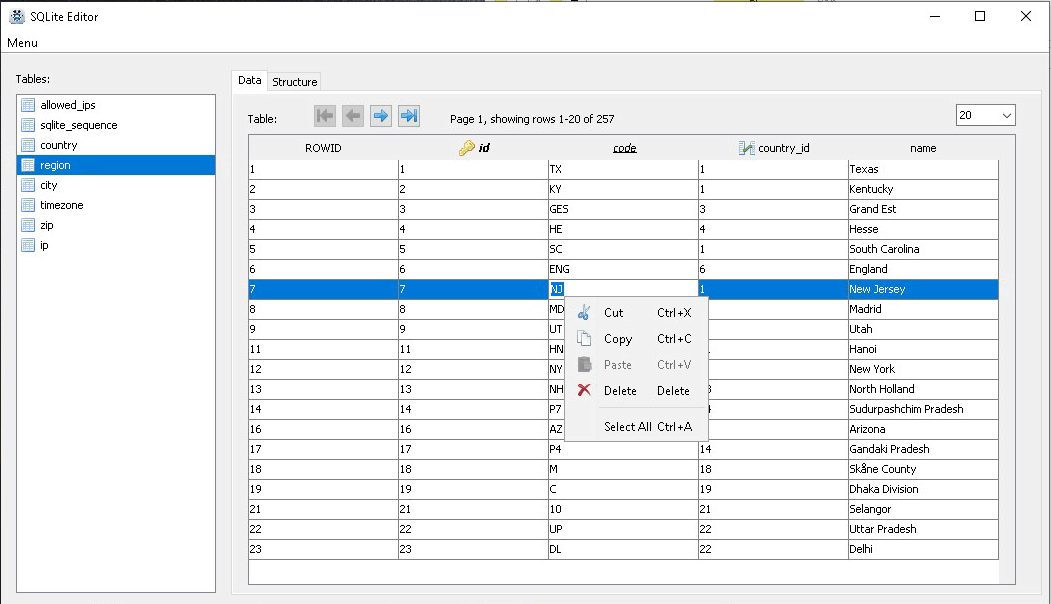
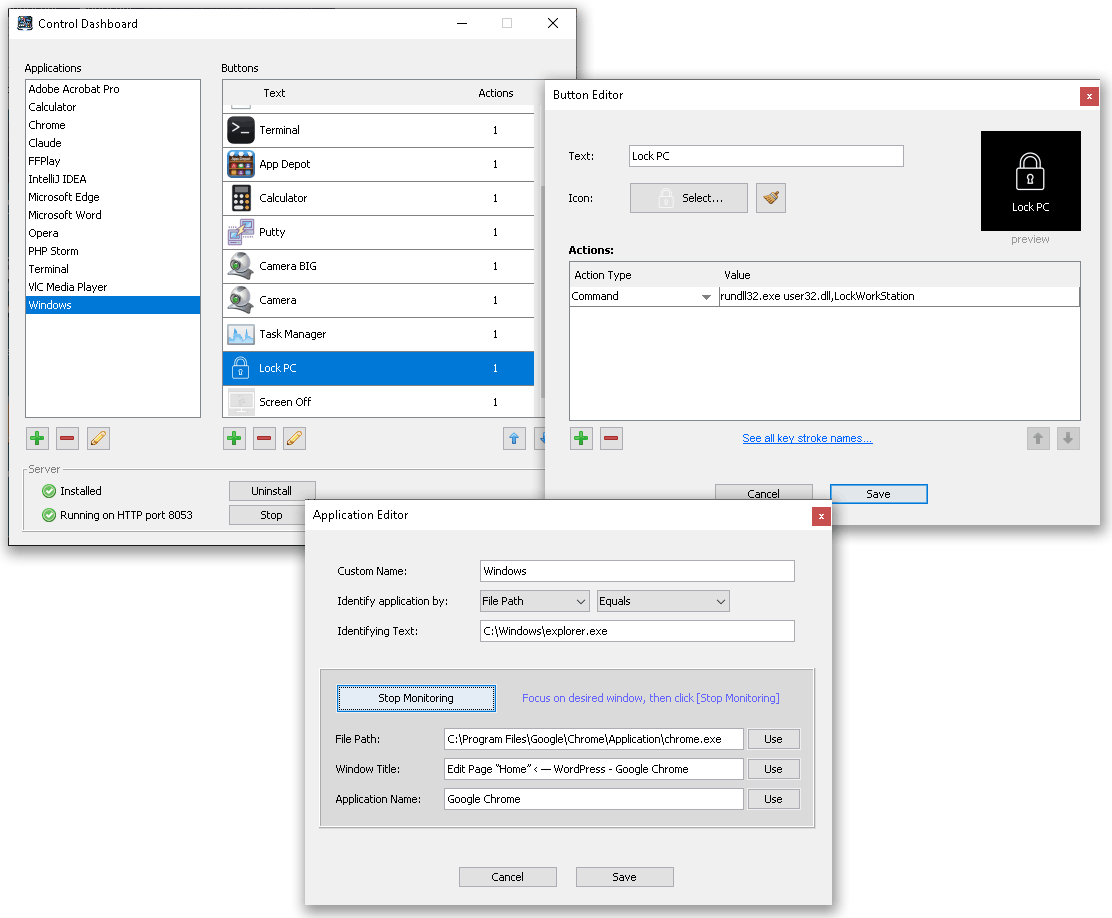
Check out some of applications built with swing-ui, written purely in JavaScript:

Code Demo
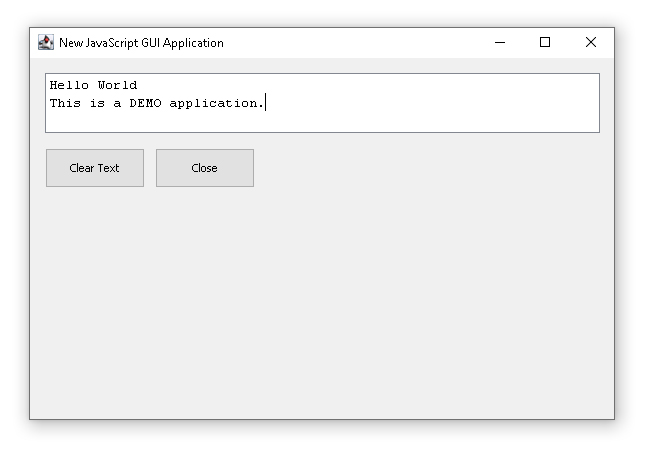
Here is a simple demonstration of syntax used to build a desktop application using swing-ui module without using our visual UI designer:
import "swing-ui"; // import "npm:swing-ui"; for Deno-only compatibility

class AwesomeApp extends Window
{
	constructor()
	{
		super();
		this.text("New JavaScript GUI Application").closeOperation(Window.CloseOperation.Exit).size(600, 400).position(200, 200).show();
		this.textfield1 = new TextArea().size(555, 60).position(15, 15).addTo(this).text("Hello World\r\nThis is a DEMO application.");
		this.button1 = new Button("Clear Text").position(15, 90).addTo(this).onAction(function(e){MyApp.textfield1.text("You pressed button: " + this.text());});
		this.button2 = new Button().text("Close").position(125, 90).addTo(this).onAction(e=>{this.close();});
	}
};

globalThis.MyApp = new AwesomeApp();This example generates the following application with functional buttons.
Coding Style
We designed the JavaScript API to be simple, intuitive, and easy to use without compromising functionality, so you can start building applications right away. Just import the swing-ui module and refer to API reference to start creating UI components.
A feature of swing-ui worth noting is its fluent interface, which uses method chaining to configure UI components (similar to jQuery). While method chaining can produce longer individual lines, it significantly reduces overall code verbosity compared to traditional property assignment patterns.
For example, setting multiple component properties can be done in a single line:
// this
statusText.text("Done").size(100, 20).position(10, 120);

// instead of this
statusText.text = "Done";
statusText.size = {width: 100, height: 20};
statusText.position = {left: 10, top: 120};Get Started
Check out the Getting Started page to see step by step how to start building your first application in few minutes, or even seconds.